How to install Moussir 26 Manager on your Android device?
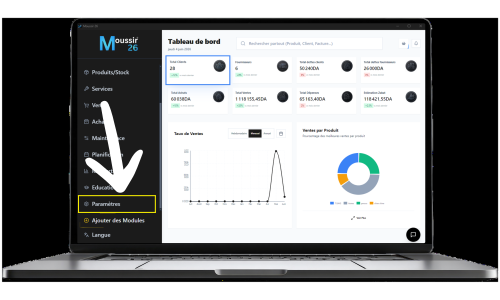
Step one
Settings
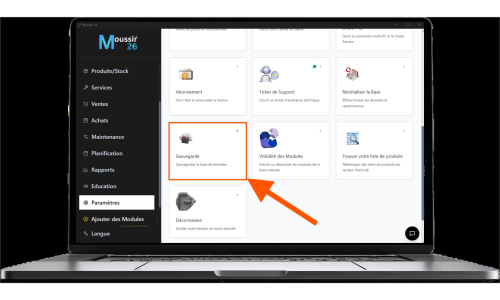
➤
Backup
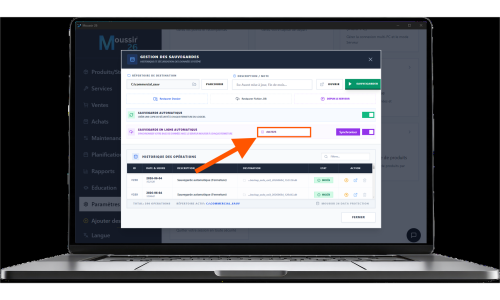
➤
Automatic online backup
➤
Name your database
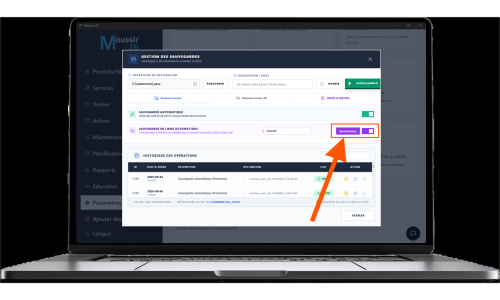
➤
Synchronize
Step two
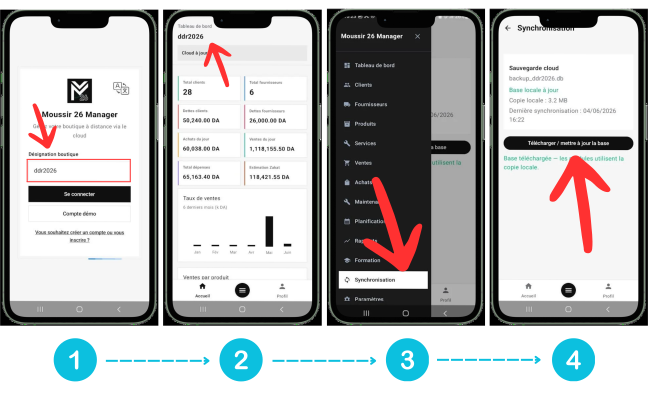
Log in with your named database, then congratulations — your Moussir 26 Manager app is ready.
Remark:
You can sync your database manually if the app failed to bring data from the server, as shown in the screenshot below:
Menu
➤
Synchronisation
➤
Sync cloud
Download the official Moussir 26 Manager Android mobile app to manage and synchronize your business from your phone.
Android only — iOS Coming soon